 Christian Beatty
"We pay for ChatGPT and three AI add-ons, and nothing is easier." Agency owners tell me this often. The team uses the AI tools each week. But the owner still asks the team for updates each morning. Reports still take days. Late work still surprises the owner.
The problem is not the AI tools. An AI tool sees only the data that you give it. It does not see the unpaid invoice, the client email with no reply, or the late task. Because of this, it cannot tell you what to do next.
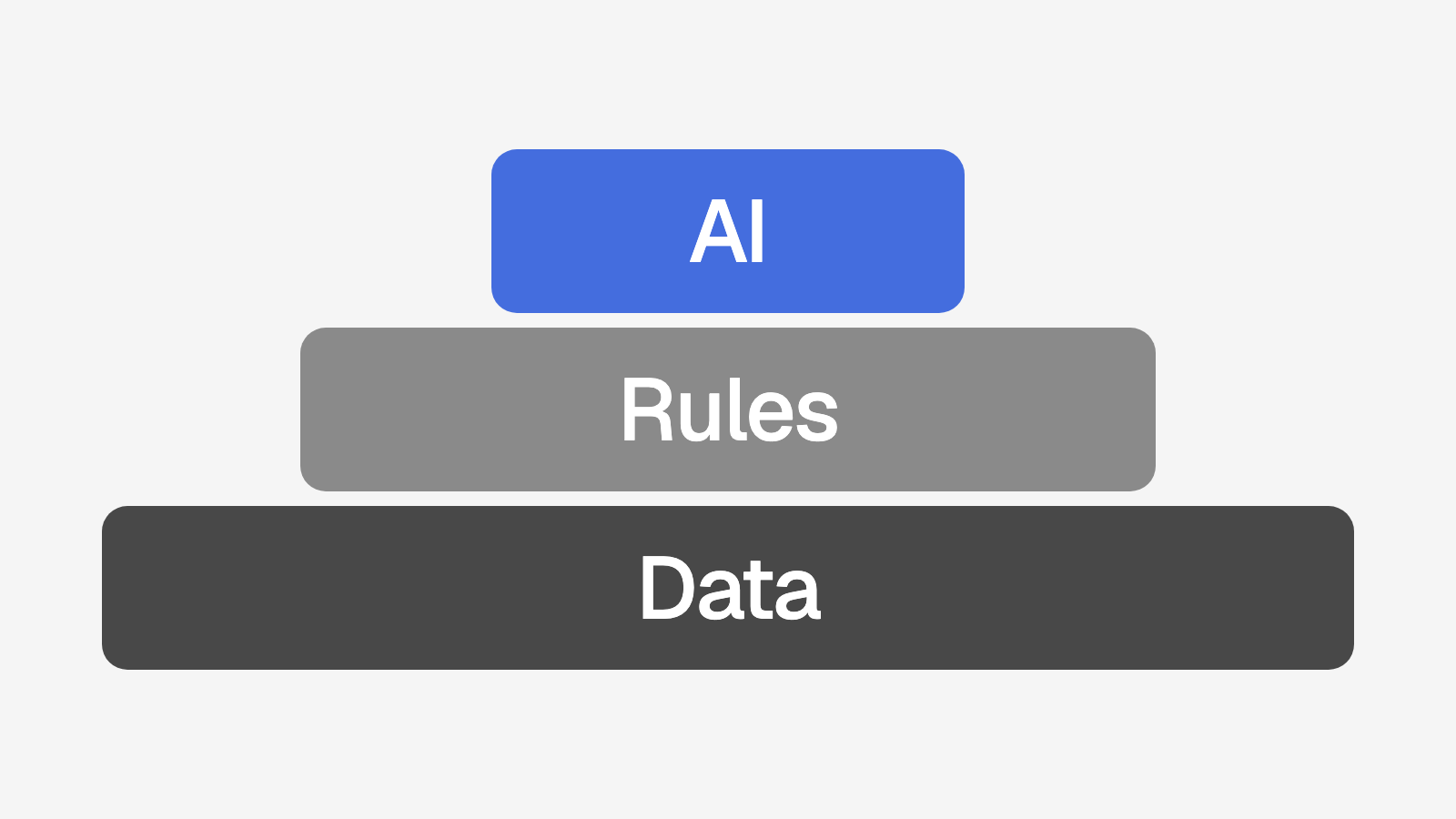
This post describes the order of work that I used for a local SEO agency with approximately 85 clients. First, I built one place for all client data. Then I added rules on top of that data. Last, I added AI on top of the data and the rules. At the end, there are steps that you can do this week with no software.
Why more AI tools do not help
AI is only as useful as the data that it can see. That is the main point of this post.
An agency uses five types of client data each day: clients, tasks, payments, messages, and results. Many agencies keep this data in 5 to 8 separate tools. At this agency, the data was in seven tools:
GoHighLevel for leads, deals, and client messages
ClickUp for tasks
Square for invoices and payments
Gmail for client email
Kixie for calls
Google Search Console and Google Analytics 4 (GA4) for client results
An AI tool connects to one of these tools, or to none. It sees one part of the client and not the other parts. Examine the question "Which clients must I call this week?" The answer uses data from four tools. No single AI tool can answer it.
This is a system problem, not a people problem. Your team is not slow. Each person examines the tool that they use. Nobody has the job to examine all of the tools at the same time. Because of this, the owner does it, and only when the owner remembers.
A new AI add-on does not change this. It adds one more tool, with one more part of the data.
First, build one system of record
A system of record is one place that holds all the data for each client. The other tools send their data into it. When two tools do not agree, the team trusts the system of record.
For this agency, I built a custom platform as the system of record. It replaced ClickUp for tasks. The other tools stay, because they do their jobs well. The platform connects them.
How the data arrives
Each tool sends data to the platform in one of two ways. A webhook sends data when an event occurs. A scheduled job collects data at a fixed time. The table shows each source.
Source | What arrives | When |
|---|---|---|
Square | An invoice change: a failed card charge, a payment, a cancellation, or a refund | When the change occurs (webhook) |
Square | All customers and invoices | Each morning (scheduled job) |
Gmail | For each client, the newest email in each direction, and if a client email has no reply | Each morning (scheduled job) |
Kixie | Call events, for example the end of a call | When the event occurs (webhook) |
Search Console and GA4 | Monthly numbers for each client that has them connected | On the 4th of each month (scheduled job) |
GoHighLevel | A won deal creates a new client record | When a deal is won (webhook) |
The Search Console and GA4 job runs on the 4th for a reason. Search Console data is not final until approximately three days after the month ends.
Each client now has one record. It shows the tasks, the invoices, the newest emails, and the monthly results. A person can open one page and see the full client.
What the platform does with the data
When all the data is in one place, simple rules can do useful work. These rules run with no AI:
On the 1st of each month, a scheduled job creates the monthly tasks. It does this for each client with a monthly service.
Each morning, the platform calculates a risk score for each client. The score uses payments, email, overdue tasks, and time as a client.
When a card charge fails, the platform calculates the risk scores again immediately.
No single tool could do these jobs before. Square knows the payments but not the emails. Gmail knows the emails but not the tasks. Only the system of record has all of them.
Rules first, with a reason for each point
The risk score is a good example of rules first. Each point comes from a rule that a person can read. For example: "Invoice of $3,600 due Oct 3 is not paid (+40)." The team reads the reason and knows what to do. I describe all the signals and points in the post on clients who will cancel.
Rules have three advantages. You can read them. You can change one number, and the next morning the full list shows the change. And for the same data, a rule gives the same answer each day. An AI model can give different answers for the same data. Also, it cannot always show the reason for its answer.
AI comes last
This is important, so I say it plainly. I added AI to the platform last. The base of the platform is rules, integrations, and scheduled jobs. This is a deliberate order of work.
AI must have good data to give good output. Before the platform, the data for one client was in seven tools. An AI layer on top of that data would give incomplete answers. Now each client has one record, and the rules on that record work. That record is the foundation for the AI layer.
Now the AI layer runs on top of that record. For example, AI writes a short list of points to discuss before a call with a client at risk. A person reads the list before the call. The AI came after the data and the rules, not before.
Where AI fits, and where it does not
For this agency, I also wrote an outline of the SOPs for each service. I tagged each step as manual, automated with rules, or a candidate for AI.
The best candidates for AI
The best candidates are jobs where AI writes a first version and a person reviews it. The platform uses AI for these jobs:
First drafts of blog posts for clients
Meta text and image alt text
Summaries for the monthly client report
Google Business Profile posts and review replies
Scores for sales calls
Lead qualification
Each of these jobs must have a person who reviews the output. Nothing goes to a client or to Google before a person approves it.
Each job also uses data from the system of record. For example, a summary for the monthly report must have the Search Console and GA4 numbers for that client. It must also have the list of tasks that the team completed that month. The platform already holds both. Without a system of record, a person must collect this data from three tools first. Then the AI saves very little time.
Steps that stay manual
Some steps must stay with a person. They require judgment, or a login that the platform cannot hold:
The sales close
Google verification
Domain launch
Bad reviews
I also keep AI out of decisions on money and client risk. AI does not decide which client to bill. AI does not give a client a risk score. Rules do these jobs, and a person acts on the result.
Three questions before you add an AI tool
Can the AI tool see all the data for this job?
Does a person review the output before a client sees it?
Can a simple rule do this job with no AI?
If a rule can do the job, use the rule. If the AI tool cannot see all the data, build the system of record first.
Start this week
You can start with no software. These steps take approximately one hour.
Make a list of every tool that your agency pays for.
Add each AI tool and each AI add-on to the list.
For each tool, write the client data that it holds. For example: tasks, invoices, emails, calls, or results.
Mark each type of client data that is in more than one tool.
For each type of client data, select one tool as the main record.
Write the three questions that you ask your team most often.
For each question, count the tools that you must open to answer it.
For each AI tool, write the client data that it can see.
Mark each AI tool that the team did not use last month.
The question that uses the most tools shows you where to start. Make one place for that data first. Then add rules on top of it. Add AI last, for jobs where a person reviews the output.
How does your agency score?
Scalability is one of eight areas in the free agency systems quiz. The quiz has 14 questions and takes 5 minutes. You receive a score out of 100 and your three largest gaps.
Take the 5 minute quiz. Or book a call, and I will show you how a system like this can work in your agency.