 Christian Beatty
A deal closes on Tuesday. On Wednesday, somebody types the business name into the project tool. On Thursday, somebody else types the same name into billing, but spells it differently. The welcome email goes out when the owner remembers it. Nobody is sure who builds the website.
The next client goes through different steps, because a different person closed the deal. One agency owner said: "Every new client is onboarded a little differently, and it all runs through me."
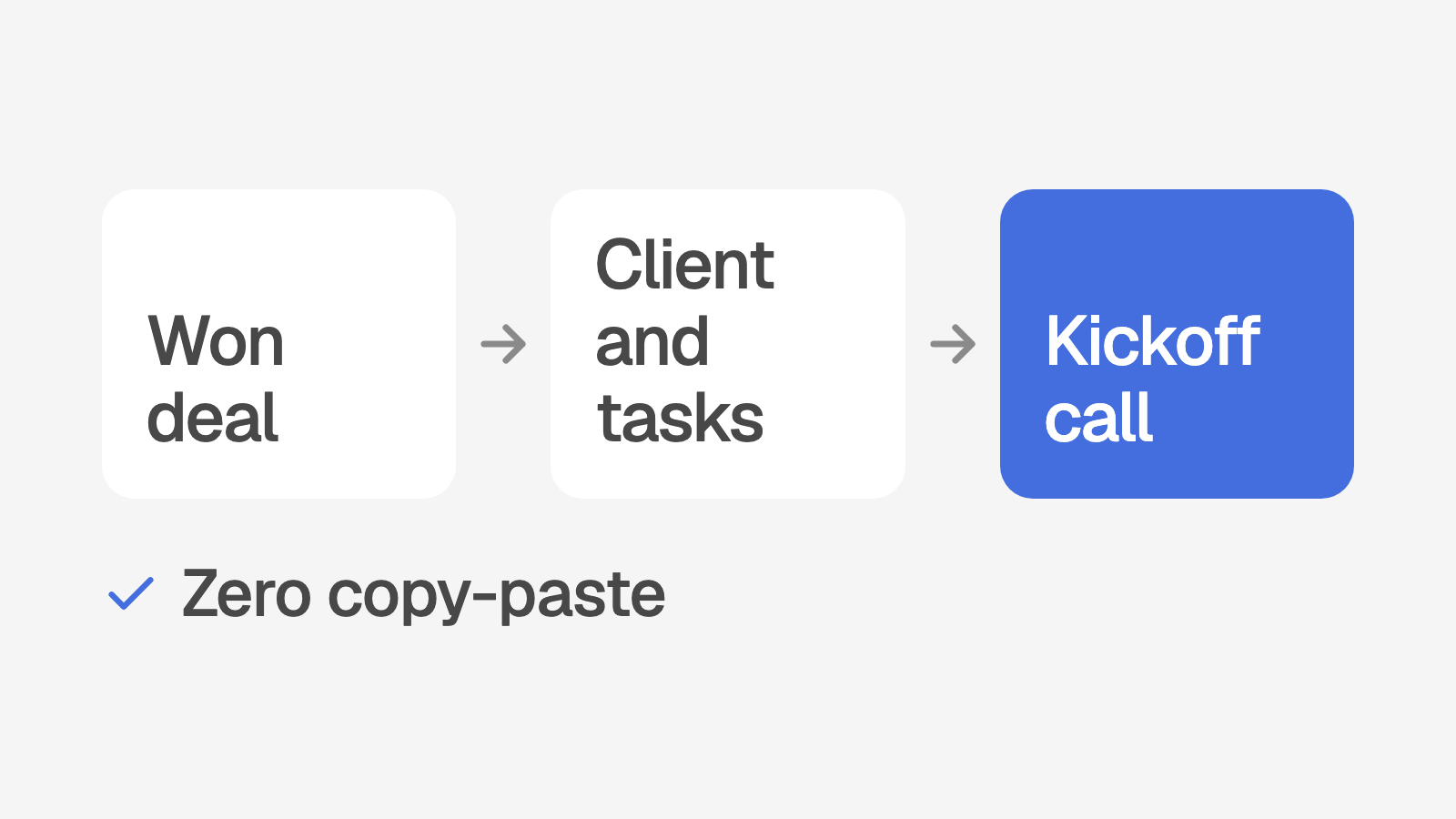
This post shows the intake system that I built for a local SEO agency with approximately 85 clients. It covers the period from the won deal to the kickoff call. It shows what the system does automatically and what the team does by hand. At the end, there are steps for a spreadsheet version.
Why each onboarding is different
The problem is not the team. Only one person knows all the steps. Also, the data for a new client is in three or four different tools.
When I wrote down the intake process at the agency, it had 11 steps from the won deal to the kickoff call. Ten of the 11 steps were manual. Only one step was automatic: a CRM automation that made a task in the project tool. That automation sometimes made the same task two times.
A person changed the task name to the business name. A person typed the contact, the plan and the start date. A person assigned the work to the specialists. The process document says that this work was "usually left unassigned."
Each manual step is a place where a new client waits. When the owner is busy, the client waits for the owner. More reminders do not correct this. A record that the system makes, and a list that shows what is not done, correct it.
How the system works, from won deal to kickoff
1. The won deal creates the client record
The agency uses GoHighLevel as its CRM. When a person marks a deal as Won, a GoHighLevel workflow sends the deal to a webhook in the platform. The webhook makes one client record. Nobody types the data again.
The webhook copies these fields:
The business name
The name, email and phone of the contact
The website. The system removes "https://" and "www" and keeps only the domain.
The ID of the GoHighLevel contact, so that the two records stay linked
The status "current" and the source "ghl"
A start date, which is the day of the won deal
For the business name, the webhook uses the first value that it finds. The order is: a company field in the workflow, the company on the contact, the deal name, and then the name of the person.
The webhook also writes a line in the status history of the client: "Closed Won in GHL", plus the deal name. Later, anyone on the team can see when and how the client started.
Rules that stop duplicate clients
The webhook has three rules to stop duplicate records:
If a client is already linked to the same GoHighLevel contact, the webhook makes no new record.
If a client has the exact same name but no link, the webhook links that client. It does not make a second record.
If a past or paused client signs again, the webhook changes the status back to current. The client then waits for services again.
Because of this, the won deal in GoHighLevel creates the client automatically. For a client with no deal in GoHighLevel, the team uses the "Add client" form. That form also adds the onboarding process automatically.
2. New clients with no services go to the top
A client from a won deal has no services yet. The system puts the client on a list of clients that wait for services. The owner sees this list in three places:
The client list. Clients that wait for services are always at the top, for each sort order.
The menu. Owners see a red number next to Clients. It shows how many clients wait for services.
The dashboard. A tile shows the number of new clients with no services yet.
When the owner opens the client, the Services panel is already open.
3. The service picker creates the work
The service picker is a list of the services that the agency sells. Each service also shows a default person, which the owner sets on the service page.
A team member ticks the services for the client and clicks one button. For example, the button says "Assign 3 and create tasks." The system then does these things:
It links each service to the client, with the person who runs it.
It creates a setup task for each service that has one. The title is "Set up" plus the service name.
A setup task is due in 5 days, or in 10 days for a website.
It adds a reviewer to each setup task. The reviewer approves the work when it is done.
It creates the tasks from the template of each service. Each due date counts from the day that the service is added.
It creates the first monthly deliverable now, for example the report or the blog post.
It adds the onboarding process to a client that came from a won deal.
It removes the client from the list of clients that wait for services.
All of the tasks go into the work queue with a due date and a person. Nobody copies a checklist from an old client.
One note on the monthly work. The scheduled job creates the monthly deliverables for all clients on the 1st of each month. The picker creates the first deliverable for a new client immediately.
4. Tasks that the client must do
Onboarding always has items that only the client can supply. Examples are access to the Google Business Profile, photos, or an approval. If nobody follows up on these items, the work stops.
In the platform, a task can be done by the client. On the service page, these tasks have the label "Client does it" in the template. When a person adds a task by hand, the option "Client (we follow up)" does the same thing.
A client task always has one person on the agency side. The system makes the lead of the service the responsible person. The task page shows "Assigned to: Client" and the name of the responsible person. Because of this, the item always has an owner in the work queue.
The risk score also counts items that the agency waits for from the client: 10 points after 14 days, 20 after 30. The system has a screen where the team adds these client requests. For more on the risk score, read how to spot clients who will cancel.
One SOP for each service
Each service has its own page. The page shows the people who run the service, the tasks that the system creates for each new client, and the SOP steps. Each task shows its due date in days, for example "Due 3 days after the service is added".
The task list is a template. When the owner changes it, the next new client receives the change. Onboarding has a page too, with the steps from the SOP section "Client intake and onboarding (from Won deal to kickoff)".
What the system does and what a person does
Some steps must stay with a person. The system does the other steps. The table shows who does each step.
Step | In the system |
|---|---|
Mark the deal as Won after the sales call | By hand. This is a decision for a person. |
Create the client record | Automatic from the won deal in GoHighLevel |
Copy the contact name, email, phone and website | Automatic from the won deal |
Choose the services | By hand. One tick for each service. |
Create the setup tasks, template tasks and first deliverable | Automatic from the service picker |
Set the monthly fee | By hand, owners only. A Square sync can fill a fee that is still $0. |
Confirm the start date | By hand. The system uses the day of the won deal until an owner changes it. |
Link the client to Square billing | By hand, or from a match that a Square sync suggests |
Send the welcome email and the onboarding form | Automatic. The system sends the welcome email with the onboarding form. |
Book the kickoff call | The client books the call from a link in the welcome email. |
Take the first payment and make it recur | The client pays from a payment link in the welcome email. |
What the owner sees the day after a won deal
This is a sample of a new client record after a won deal:
Desert Ridge Electric: at the top of the client list, with no services yet
Contact name, email, phone and website: copied from the won deal
Source: ghl
Status history: "Closed Won in GHL: Desert Ridge Electric SEO"
Services: none yet. The service picker is open.
This is a sample client. The name is not real.
The owner ticks the SEO setup, the Google Business Profile and the monthly report, and clicks one button. The work queue then shows the setup tasks, the onboarding tasks and the first report. Each task has a person and a due date.
Because of this, the kickoff call has a clear agenda. The team examines the open client tasks with the client and agrees on a date for each item. For what happens after the kickoff, read how the first 90 days of onboarding affect retention.
Start this week
You can make a simple version of this system with a spreadsheet.
Write down each step from the won deal to the kickoff call.
Write the name of one person next to each step.
Make a spreadsheet with one tab for each service that you sell.
On each tab, list the setup tasks and the days from the start to each due date.
Mark each task that the client must do.
Next to each client task, write the name of the person who follows up.
On the day that a deal closes, add the client to a "new clients" tab.
Copy the tabs for the services that the client buys.
Each morning, examine the "new clients" tab.
Remove a client from that tab when it has services and a kickoff date.
A spreadsheet does not copy data from your CRM. But it gives each new client the same steps, with one person for each step. When it works for three or four new clients, make the process automatic.
How does your agency score?
Onboarding is one of eight areas in the free agency systems quiz. The quiz has 14 questions and takes 5 minutes. You receive a score out of 100 and your three largest gaps.
Take the 5 minute quiz. Or book a call, and I will show you how a system like this can work in your agency.